
Projects 15 to 16 of 23
2 of 2 live
Music video television, and the whole video library behind it.
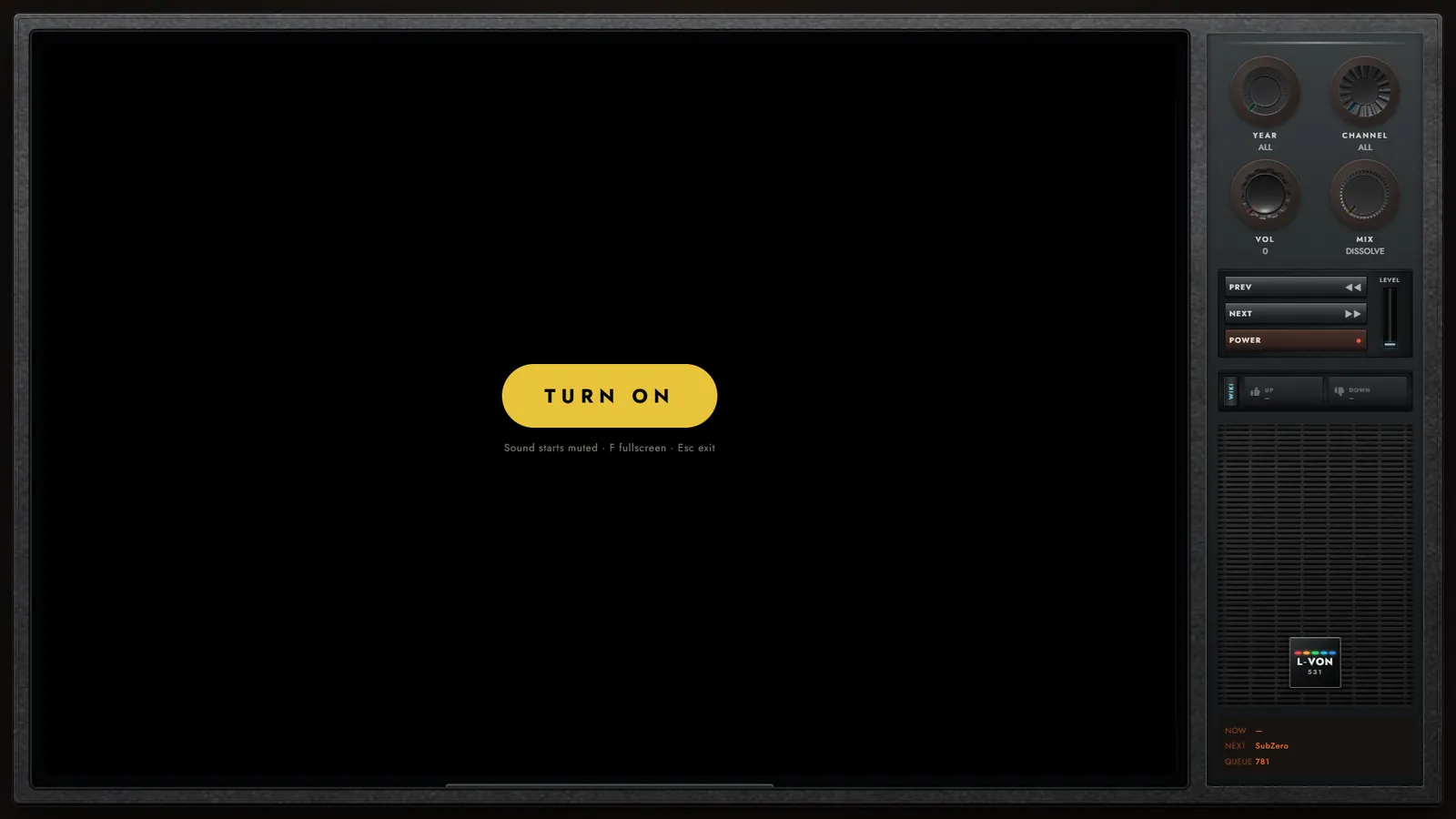
L-Von.TV is music video television that runs in a browser: a curated list of music videos plays back to back on a CRT-style set, with its own channel graphics between songs. L-Von.TV / Wiki is the whole video library behind it, read from the same channel data, so every video can be browsed and searched on its own.
P.15
Live
Music video television.
A music-television channel that runs in a browser. It plays a curated list of music videos back to back on a CRT-style set, with its own channel graphics: lower thirds, channel bug, idents and VJ segments between songs.
Plain HTML, CSS and JavaScript with no build step. Every video plays through the official YouTube player; nothing is downloaded or re-hosted. Long videos with chapters are split so each song plays on its own. The broadcast graphics are laid out at 1920x1080 and scaled as one unit, so they stay in place at any window size.
Ads play inside YouTube embeds and the channel can't control them. It works best with YouTube Premium or an ad blocker.
P.16
Live
The whole video library.
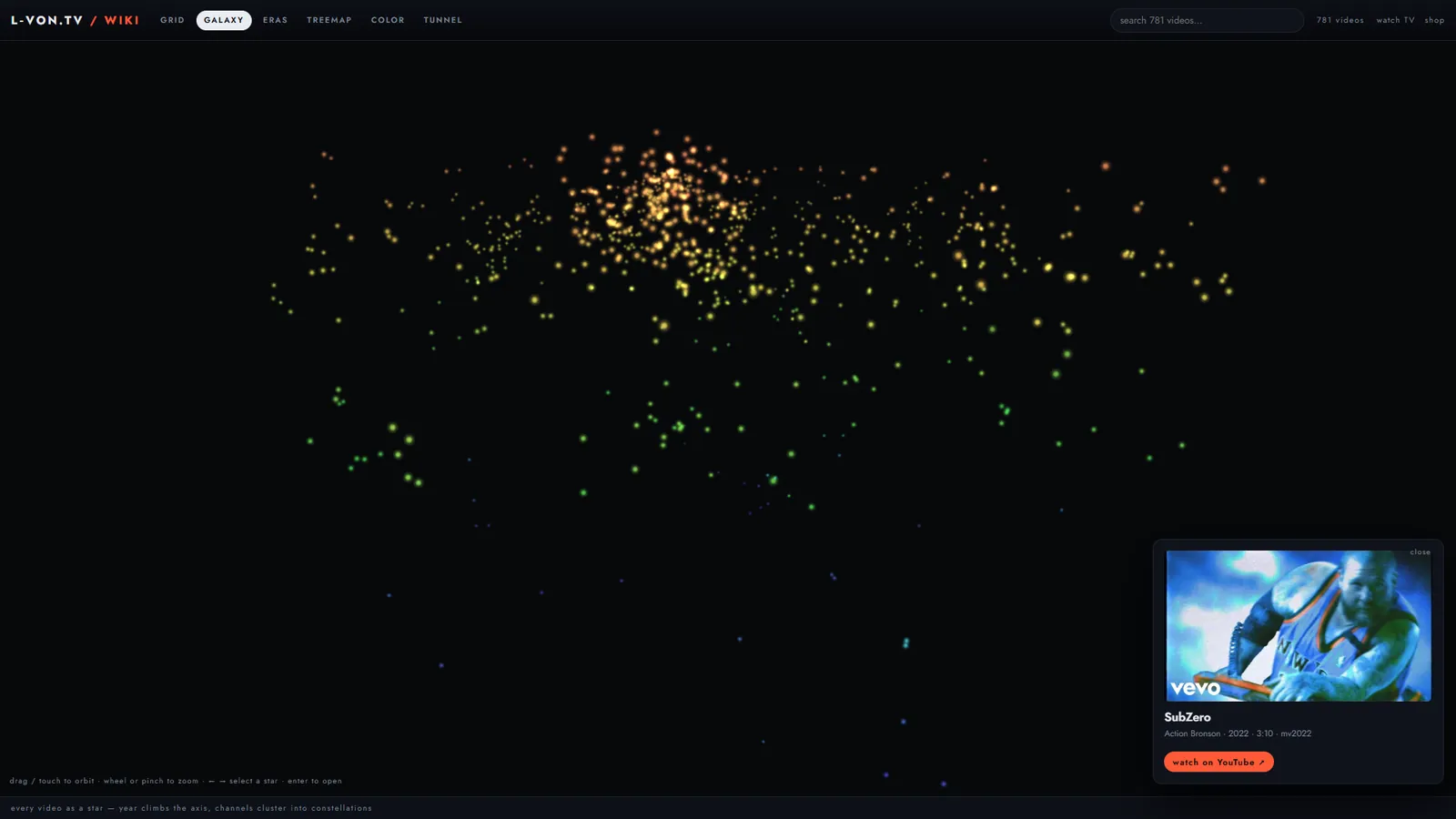
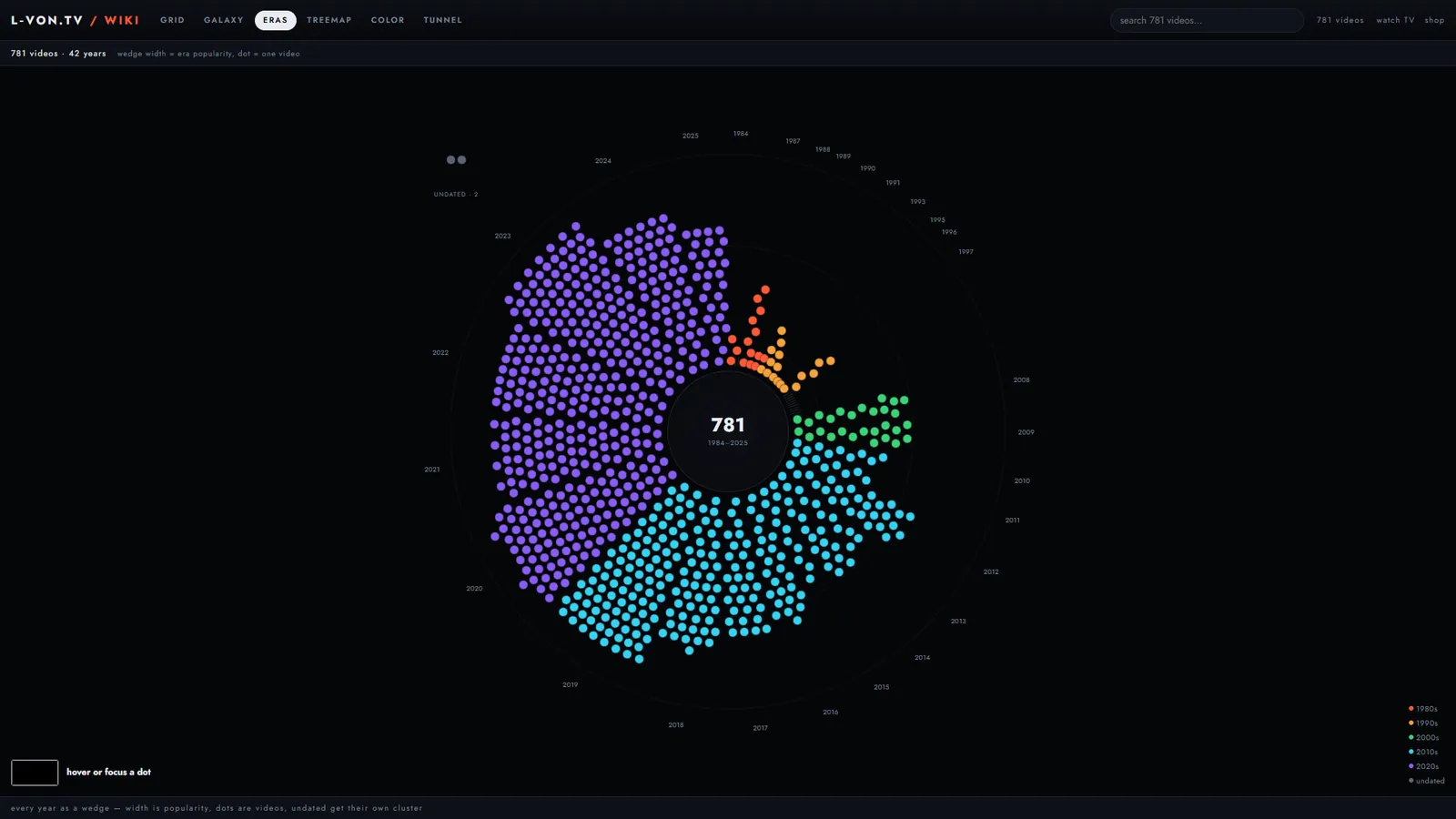
The library behind L-Von.TV, browsable on its own. It reads the same channel data as the TV, so the two never drift apart.
Pick a video to open it, then watch it on YouTube or jump back to the TV.
Static HTML, CSS and JavaScript, deployed with the TV at l-von.tv/wiki/.