Trailer coming soon
No trailer yet. Play the game, or see the stills further down.
Project 4 of 23
 the satisfaction lab
Small pressure. Big release.
Hold to build pressure, let go in the green, don't tear the skin. Then watch the pop again in slow motion. Free in your browser or on Windows.
Contains close-up skin and fluid imagery.
The game in motion.
Trailer coming soon
No trailer yet. Play the game, or see the stills further down.
Three moves.
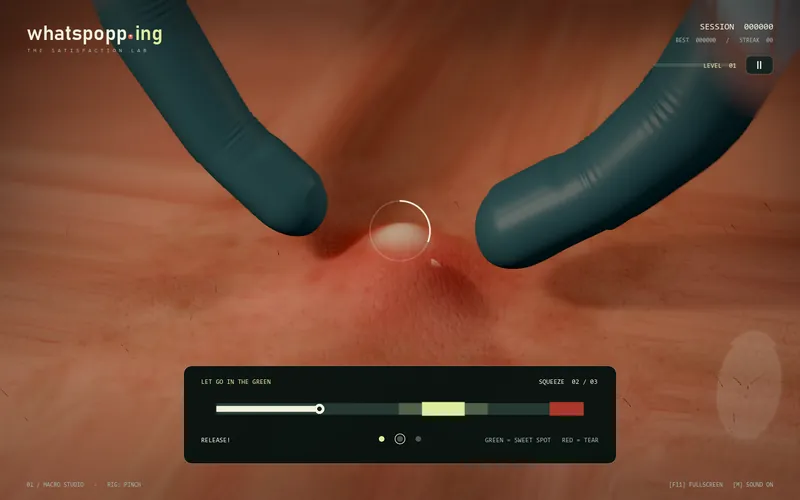
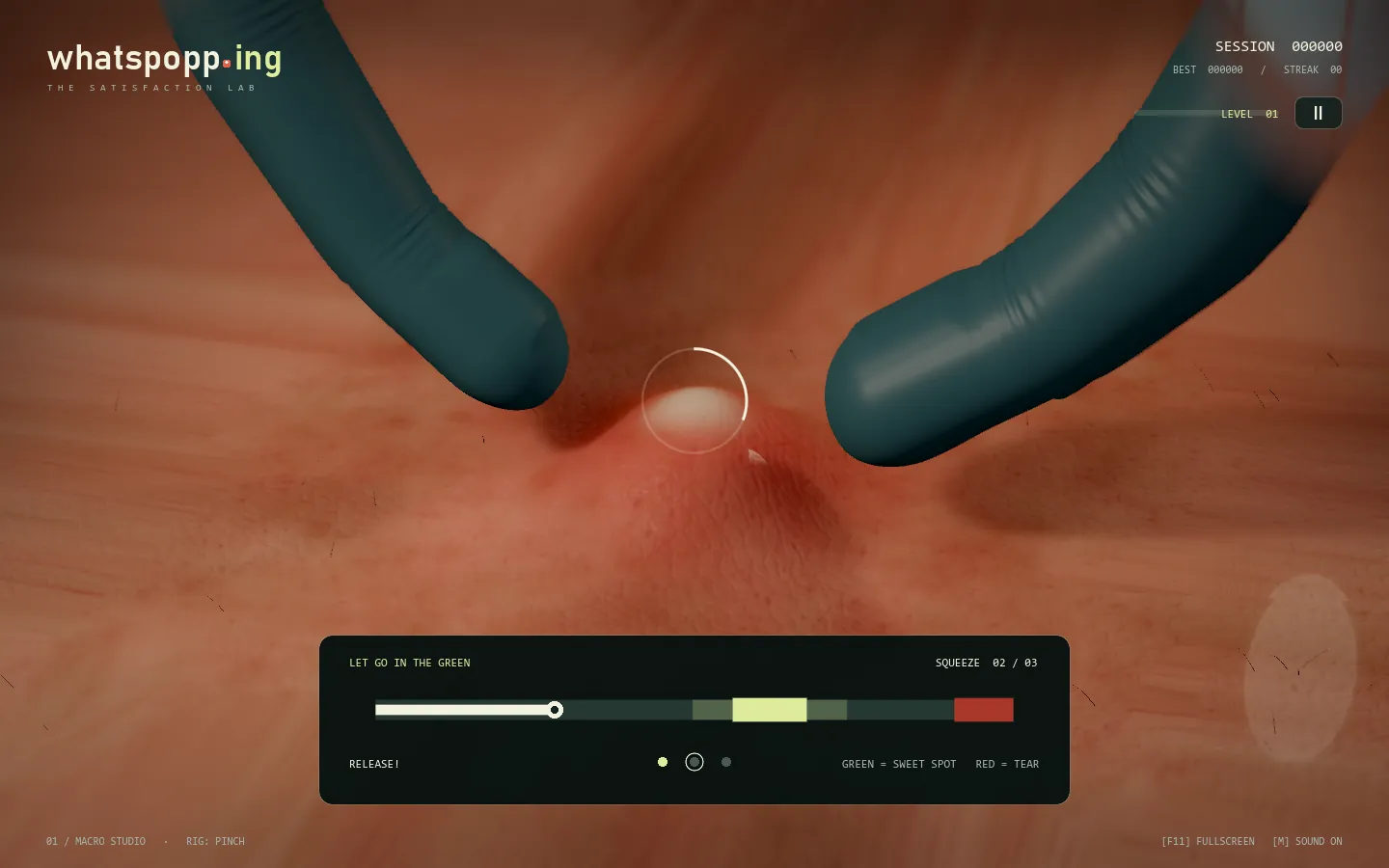
Hold Space or the left mouse button. Pressure builds on the skin and in the gauge.

Let go inside the pale green window. Three releases make an attempt. Hold into the red and the skin tears: that beat scores zero, bleeds, and resets your streak.

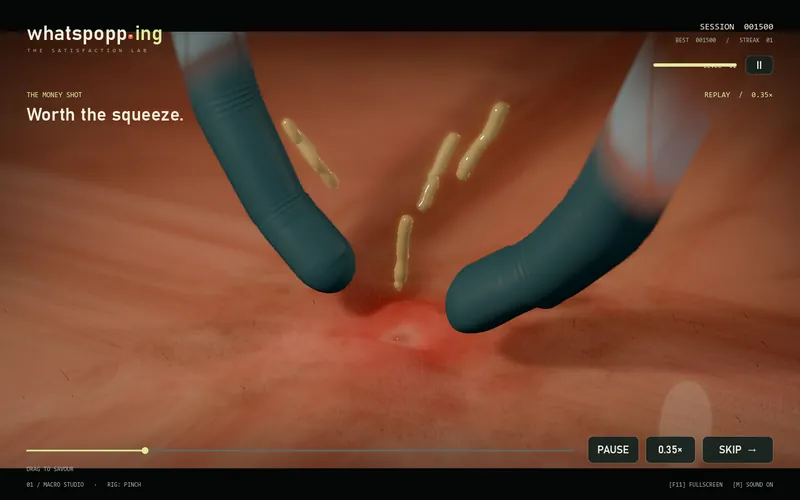
The pop plays back in slow motion from an orbiting camera. Pause it, scrub it, run it at 0.15x, 0.35x or 1x.
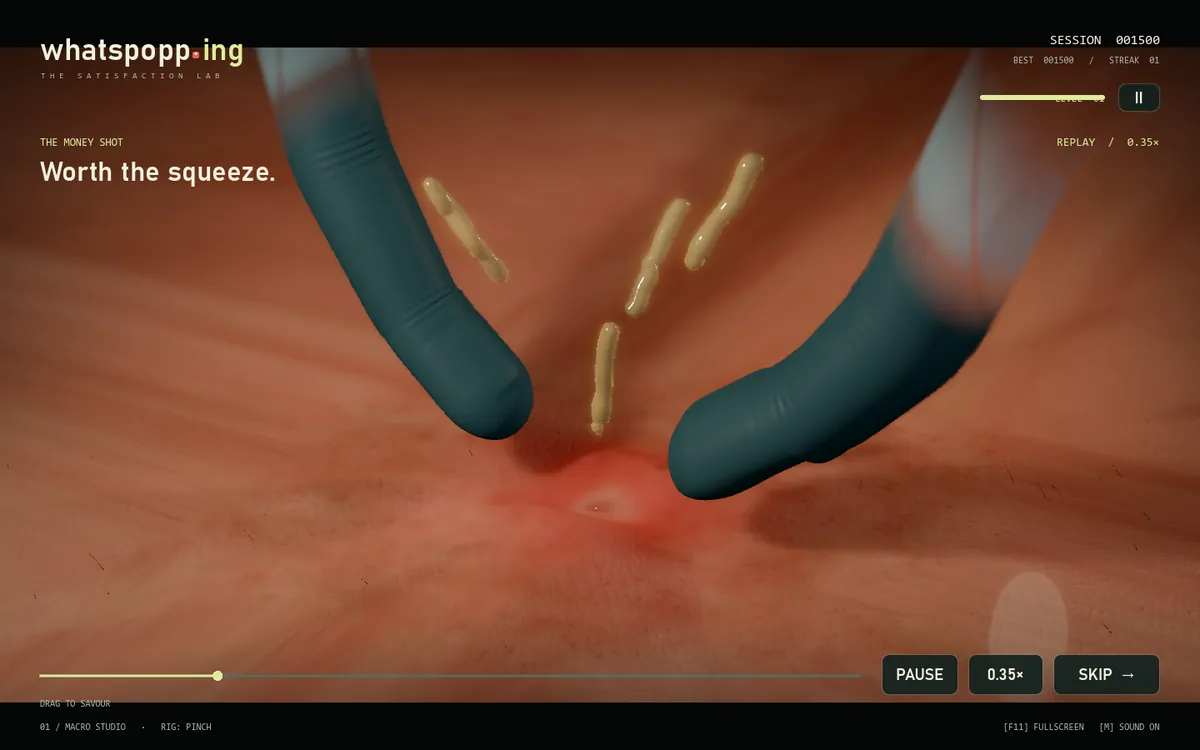
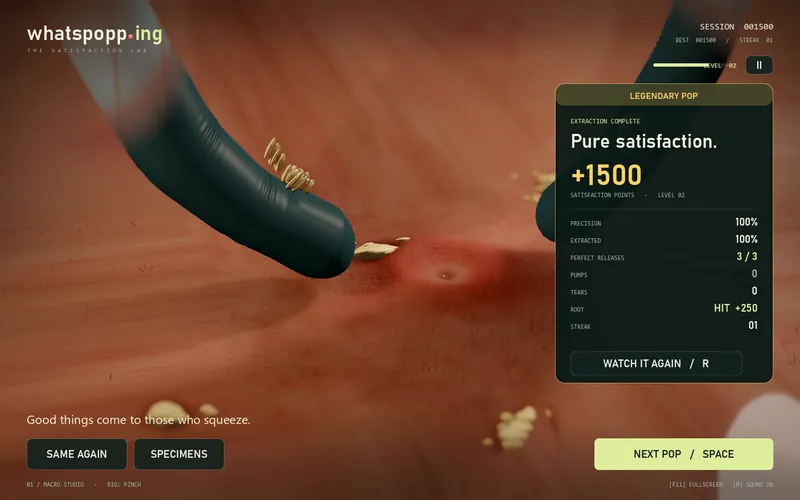
RootDuring the burst a ring opens over the lesion. One tap inside it pulls the root for +250.
What is in the game.
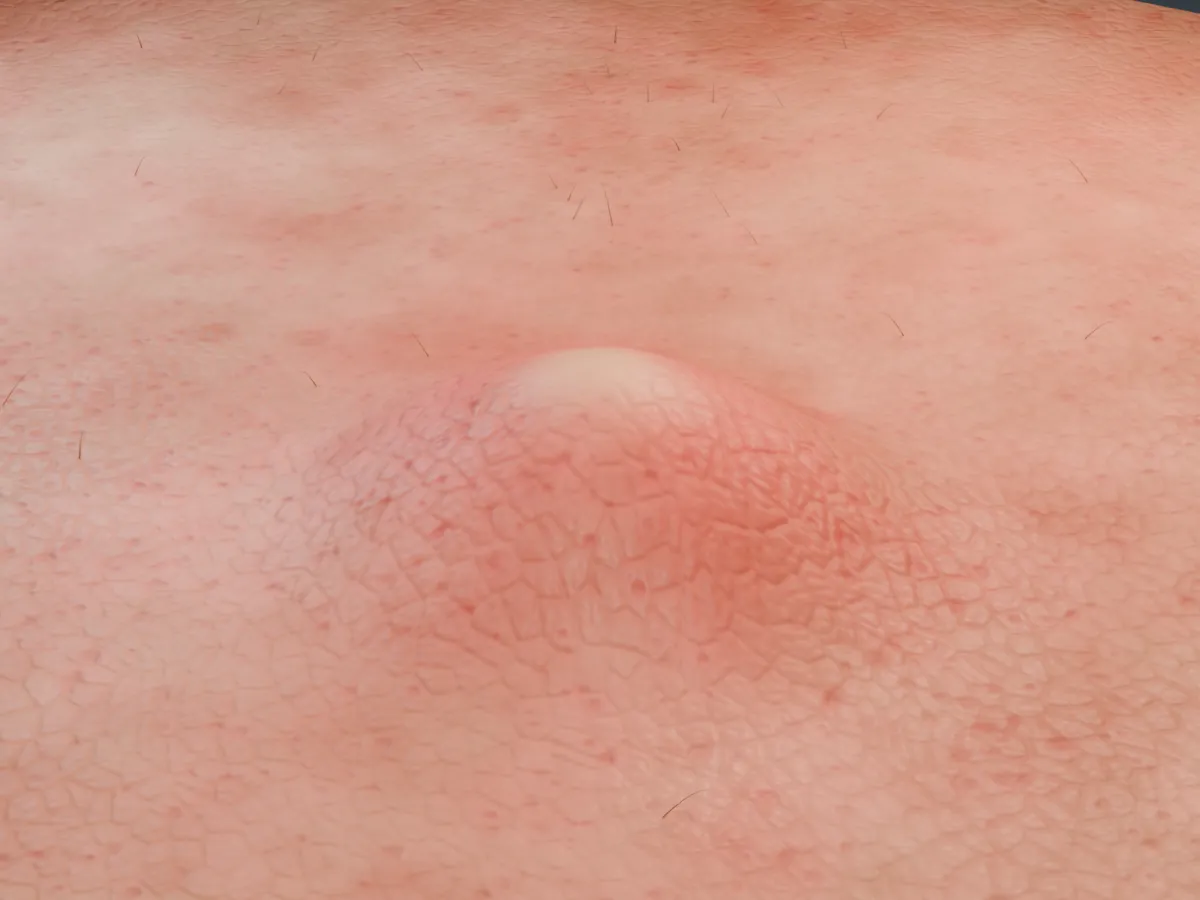
Pressure builds visibly on the skin and in a gauge. You let go inside the green window.
Hold into the red and the skin tears. The beat scores zero, the pop bleeds and the streak resets.
From a classic pinch, cotton swabs and a steel extractor to light sabers, foam fingers, Lego hands, a flamingo and an actual fish.
Six skin tones and six conditions, from just the one to speckles, flush, breakout, bumps and sunspots, with the hair drawn at random.
A mode of monster patients, each with its own ooze: Frankenstein, Zombie, Vampire, Werewolf and Alien.
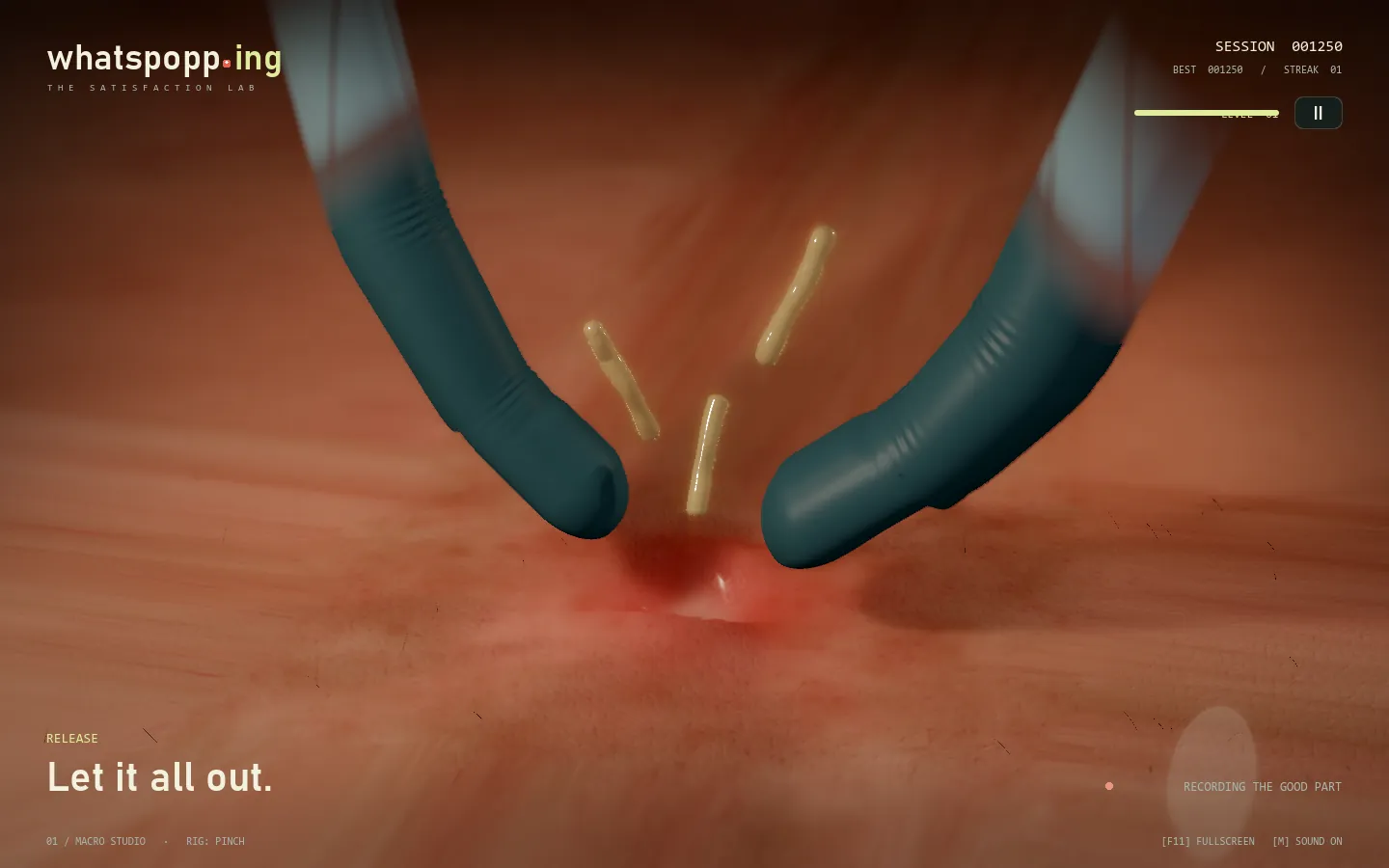
The recorded pop plays back from a moving camera. Pause, scrub, 0.15x, 0.35x or 1x.
A ring opens during the burst. One tap pulls the root for +250.
Play in a desktop browser or download the Windows build. An opt-in leaderboard keeps a casual board of the biggest pops.
Same hands. Different rhythm.
Ramps smoothly.
Stalls between 42% and 55% pressure before it gives.
Slow and heavy. Tears at 105% pressure.
Every pop plays back.
The same recorded pop plays again in slow motion while the camera orbits it. Pause it, drag the timeline to scrub, or skip. Press R to replay your latest result.

Replay clip coming soon
No clip yet. The game shows the replay after every pop.
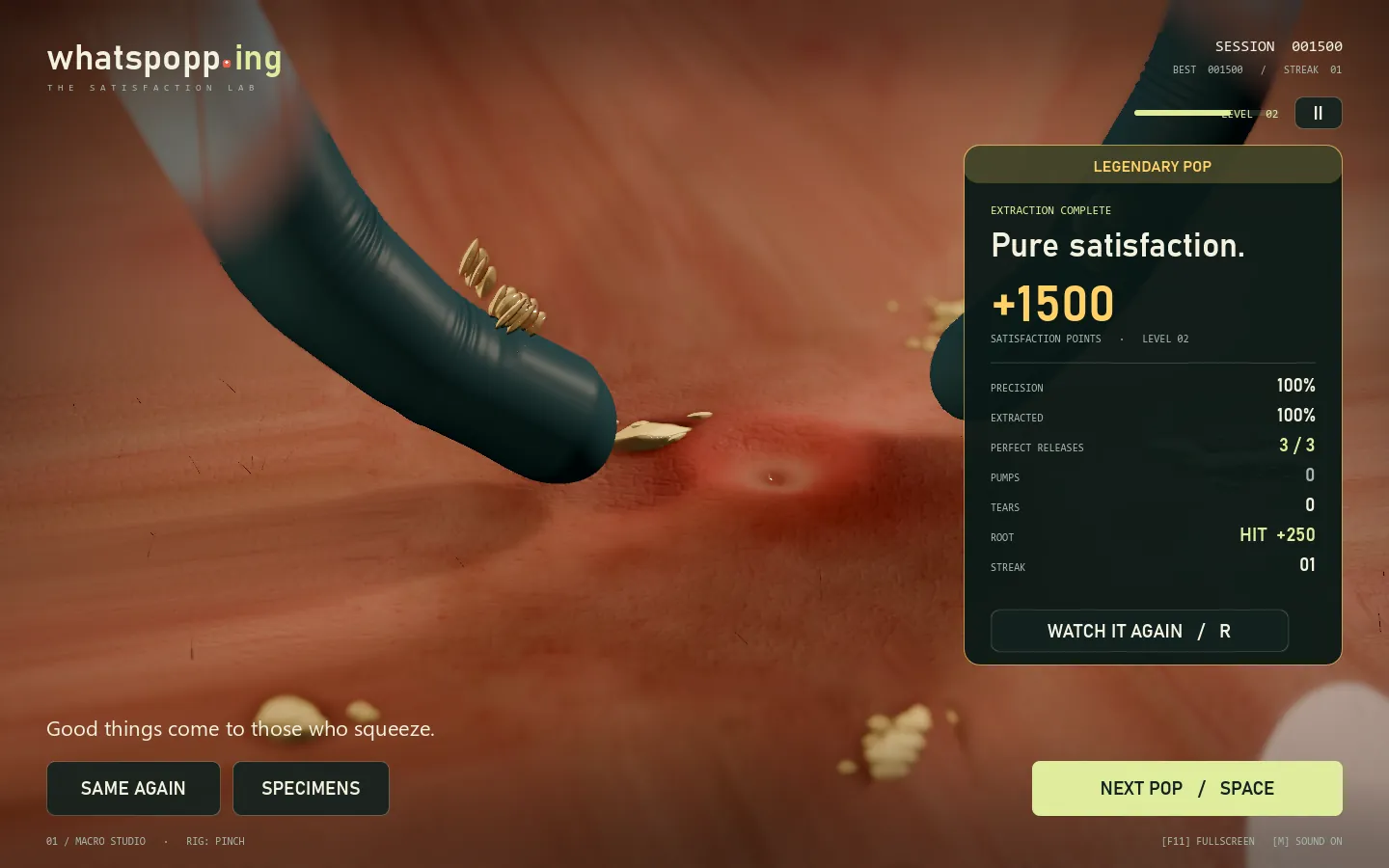
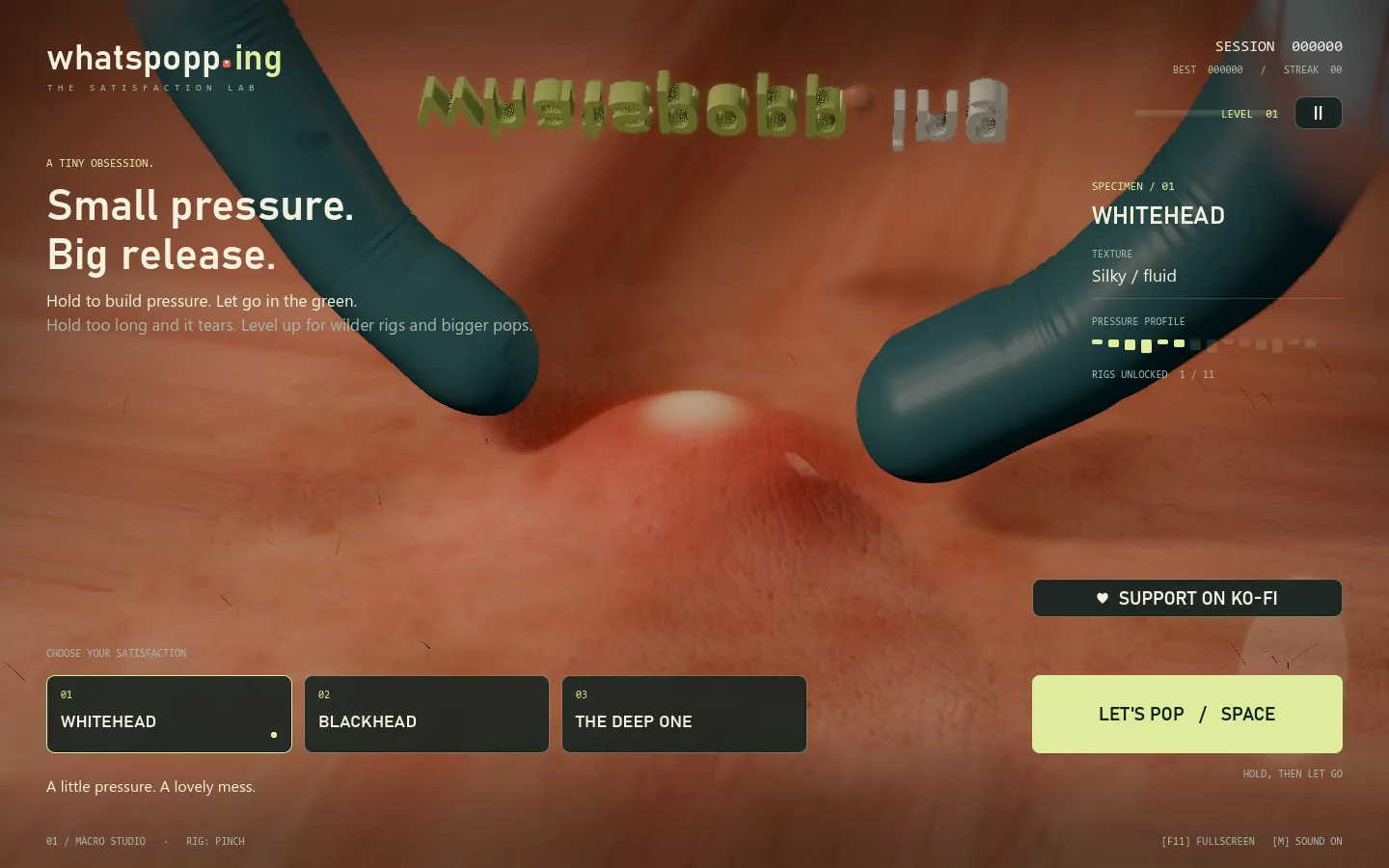
Captured from the game.
(opens the full size image)
 (opens the full size image)
(opens the full size image)
(opens the full size image)
 (opens the full size image)
 (opens the full size image)
Blender and Godot.
Keyboard and mouse.
| Input | Does |
|---|---|
| Space or Enter or Left mouse | Start, hold to squeeze, release, root tap, pause the replay, next specimen. |
| R | Replay the latest result. |
| 1 or 2 or 3 | Pick a specimen from the menu. |
| Esc | Pause or resume. Settings: sound, calm camera, quality. |
| M | Mute. |
| F11 | Fullscreen. |
What it runs on.
Where it stands.
Done
Hold-and-release timing, three specimens, the orbit replay and the result card all played end to end on Windows.
Done
Free to play in a desktop browser (a lighter WebGL 2 build) and as a free Windows download. 34 tools, 36 real-world patients, a Halloween night mode with monster patients, and an opt-in leaderboard.
In progress
Bugs, ideas and fan mail go to the studio inbox. Scores on the leaderboard are casual: they are sent by the game when you switch ONLINE on in the pause menu.
Short answers.
A free macro game about one thing: the squeeze. You hold to build pressure on a close-up lesion, let go inside the green window, and the pop plays back in slow motion.
No. It is a game with a physical feel. The liquid is a bounded viscoelastic particle and strand simulation, a real-time visual approximation, not a FLIP or SPH solver.
Yes. Contains close-up skin and fluid imagery. A lesion is squeezed on screen, and a torn-skin beat bleeds. If that is not for you, skip it.
A desktop browser with WebGL 2 (a lighter build), or Windows 10 and 11, 64-bit, with a Vulkan GPU (the full build).
Nothing. It is free in the browser and as a Windows download. If it earned a wince and a grin, a coffee on Ko-fi helps.
Not for the browser build, which runs on most laptops. The Windows build wants a Vulkan-capable GPU and has a quality toggle that drops shadows, SSIL, MSAA and depth of field for weaker ones.
Only if you switch ONLINE on in the pause menu, which sends your score to a casual leaderboard. Your personal best and settings are saved locally either way.
whatspopp.ing and this page are updated as things happen. Bugs, ideas and fan mail go to the inbox below.
Press and questions.
Play free now (opens in a new tab)Download for Windows (opens in a new tab)
Ko-fi
Keep the goop flowing.
Support on Ko-fi (opens in a new tab)whatspopp.ing
Play free, download, leaderboard.
Open whatspopp.ing (opens in a new tab)POPPING is a game by Mystery School Media. Free to play in a desktop browser (WebGL 2) or as a Windows download. Contains close-up skin and fluid imagery. Screen shots are real captures from the game; the released game has more tools and patients than the early shots show. Sound effects and music generated with Stable Audio 3 (Stability AI) under the Stability AI Community License. Made with Godot and Blender.